
Interview soon? Know what to practice first.
Get short lessons and practice questions for your role and experience level. Your plan fits the time you have before your interview.
Try a question free in the web app. No account or card needed.
 App StoreComing soon
 Google PlayComing soon
When is your interview?

A mid-level product manager’s plan
Full screen showing the 15-minute plan (opens in a new tab)Start with a two-minute lesson about a risky assumption. The five lessons and their quick tests take about seven minutes. Use three more minutes to practice an answer.

A mid-level product manager’s plan
Full screen showing the one-hour plan (opens in a new tab)Use about 15 minutes for 12 short lessons and their quick tests. The plan leaves 10 minutes for answer practice.

A mid-level product manager’s plan
Full screen showing the one-day plan (opens in a new tab)With a day to prepare, you get full lessons. The 13 lessons and their quick tests take about 24 minutes. Use another 10 minutes for answer practice.
Set up your interview plan
Choose the job.
Choose from 132 roles. Your job and experience level determine which questions you practice.
Full screen showing choose the job (opens in a new tab)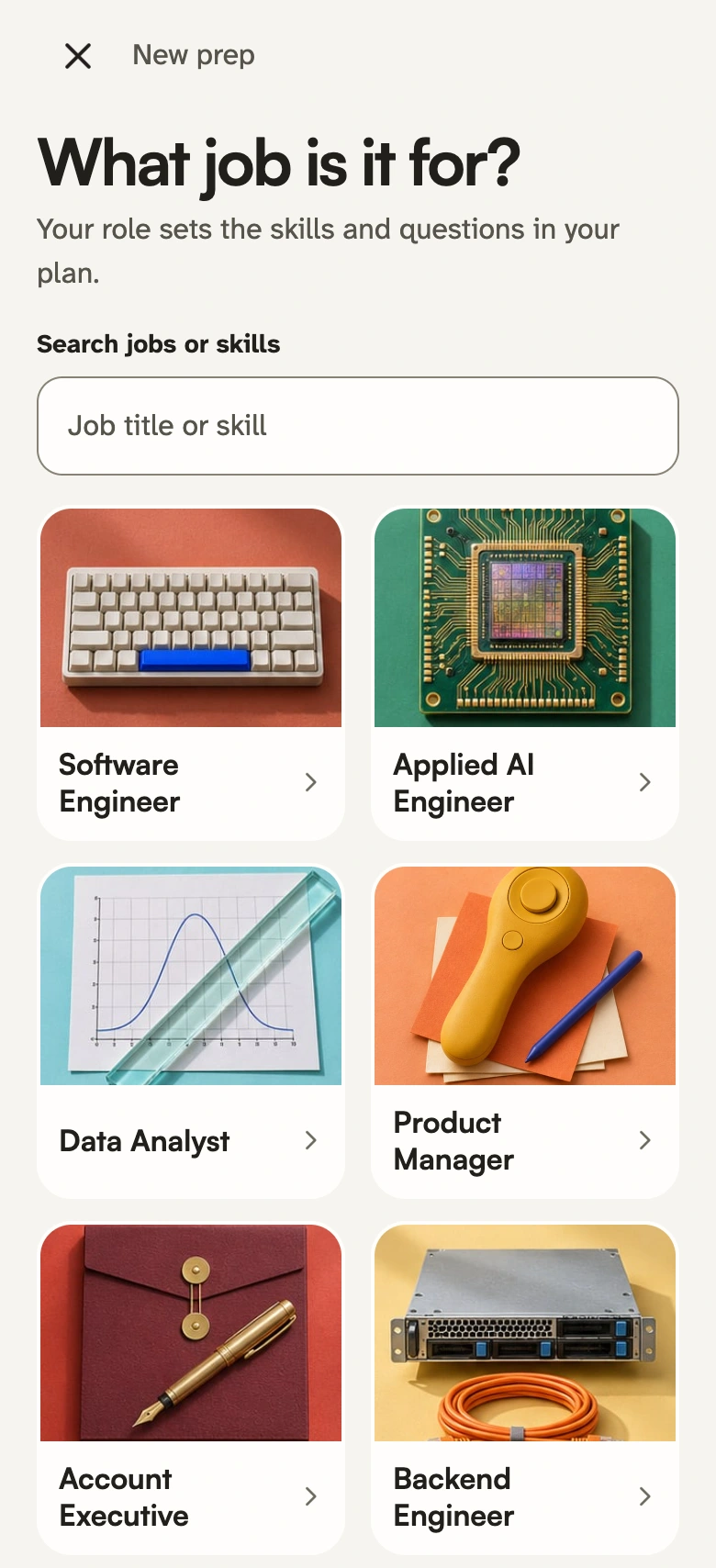
Set the time you have.
Choose the time you have before the interview. Your plan uses that time to select lessons and reserve time for answer practice.
Full screen showing set the time you have (opens in a new tab)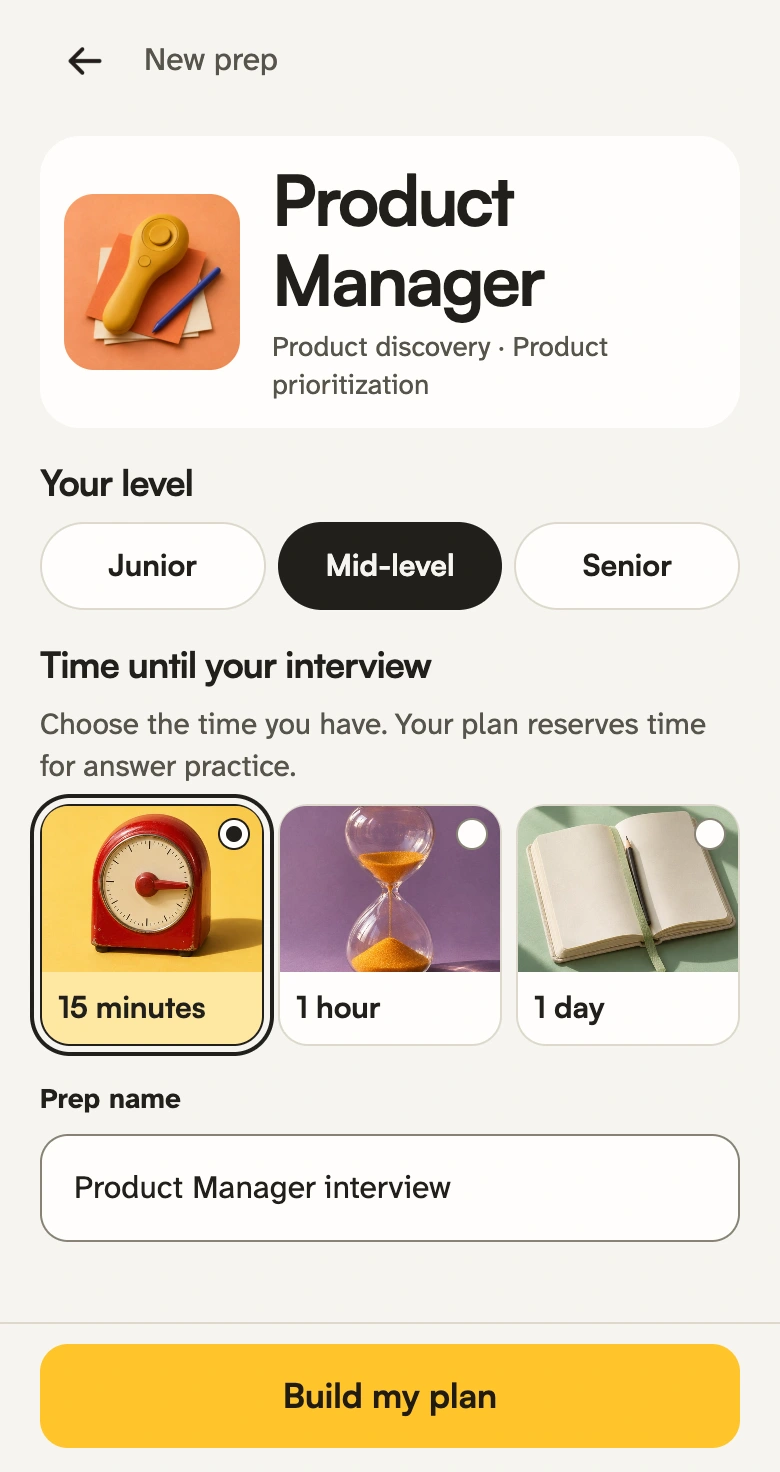
Use your CV to find a role.
You can choose a job yourself. If you want job suggestions from your CV, sign in to PrepHour.
Upload an English PDF or paste the text. Select the facts you want to keep. PrepHour uses those facts to suggest jobs. You choose the job for your plan.
Open my CV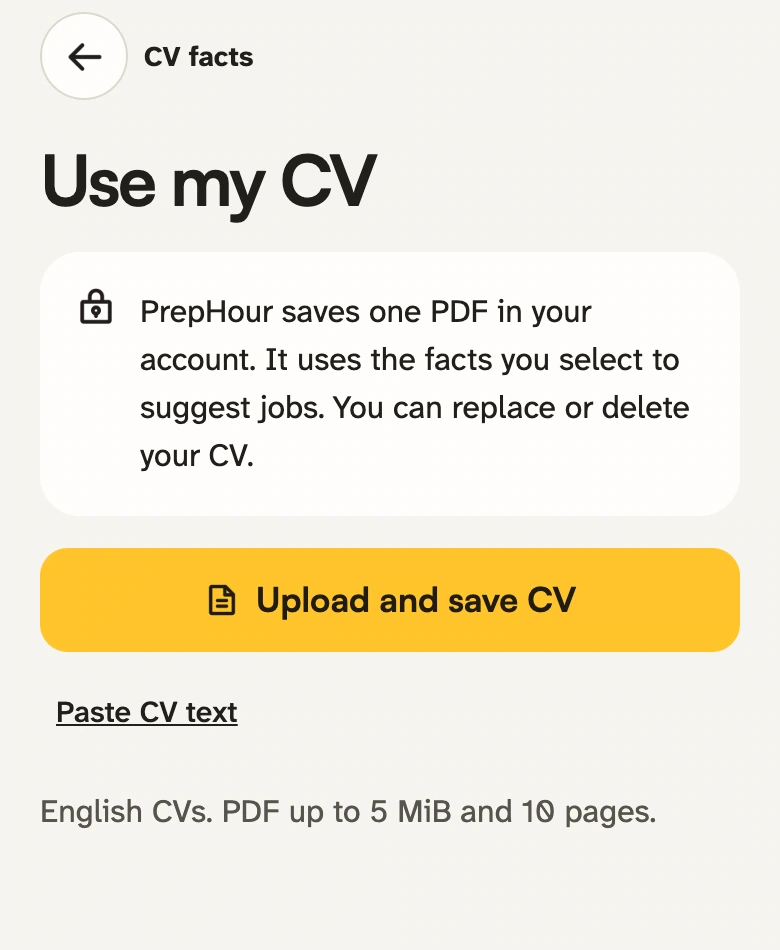
Add your CV.
Your account can store one private PDF. The limit is 5 MiB and 10 pages.
Full screen showing Upload (opens in a new tab)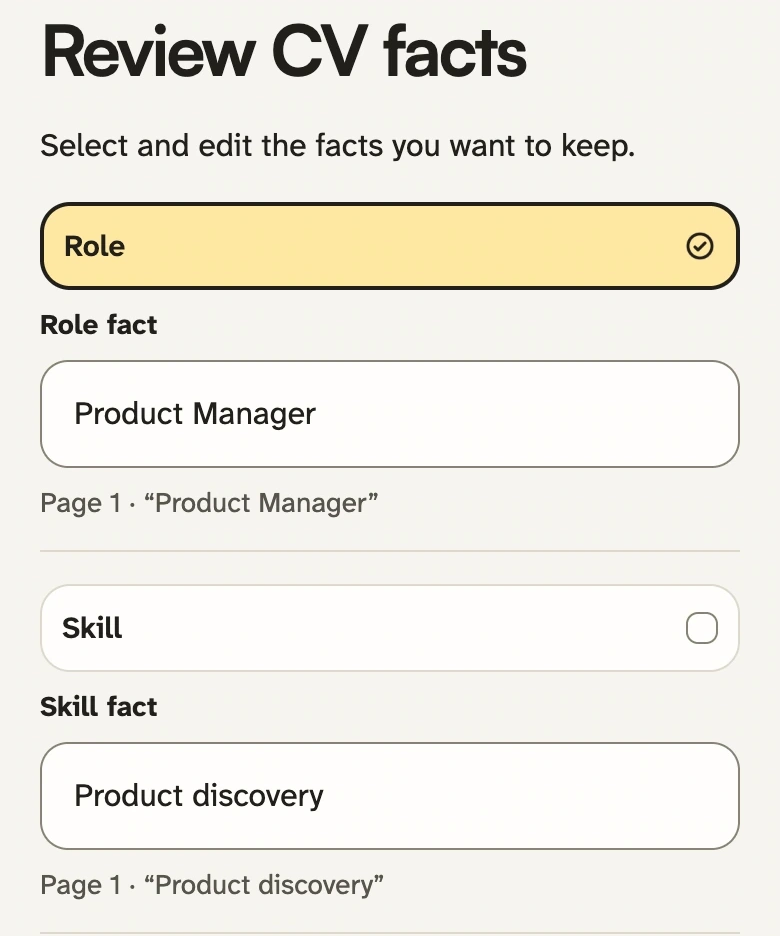
Choose the facts to keep.
You can correct a fact before you save it. Select the skills and experience you want to use.
Full screen showing CV facts (opens in a new tab)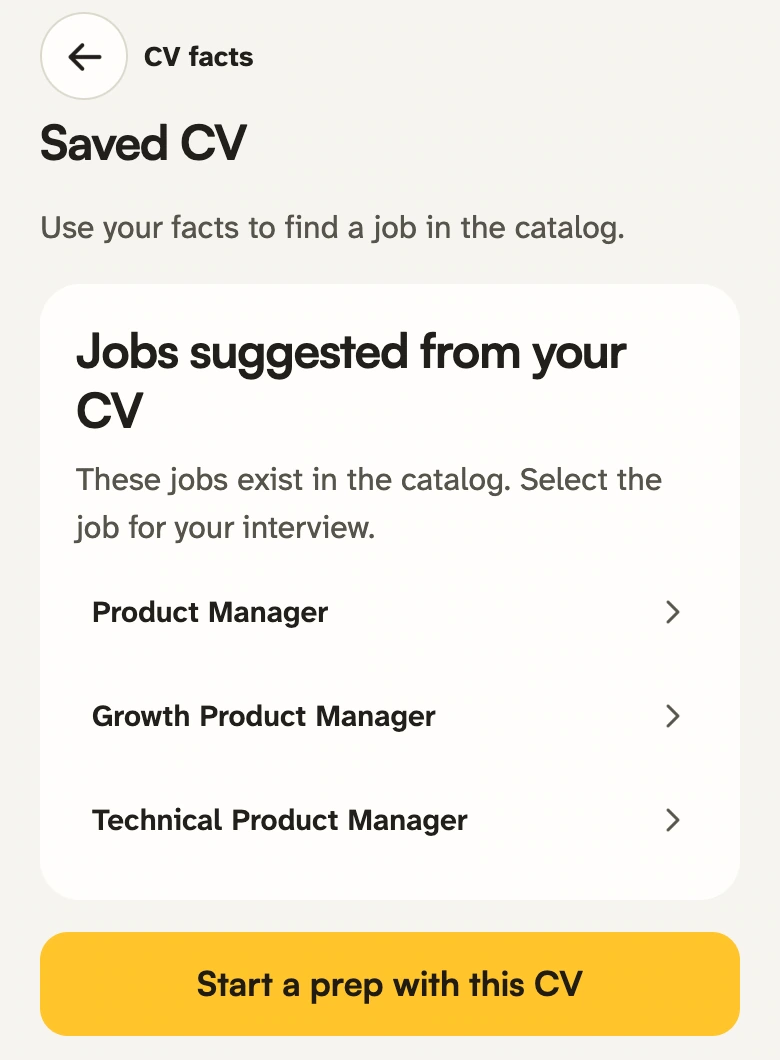
Choose a suggested job.
Open a job from the suggestions to start a plan. You can also search the full list of jobs.
Full screen showing Job suggestions (opens in a new tab)Read the first lesson. Try its quick test.
Your plan selects lessons for your job and level. Start with the next lesson in the plan. It shows the question, an example, and sources.
Read the lesson or listen to it. After the quick test, read the explanation for your answer. You can mark a lesson for more practice.
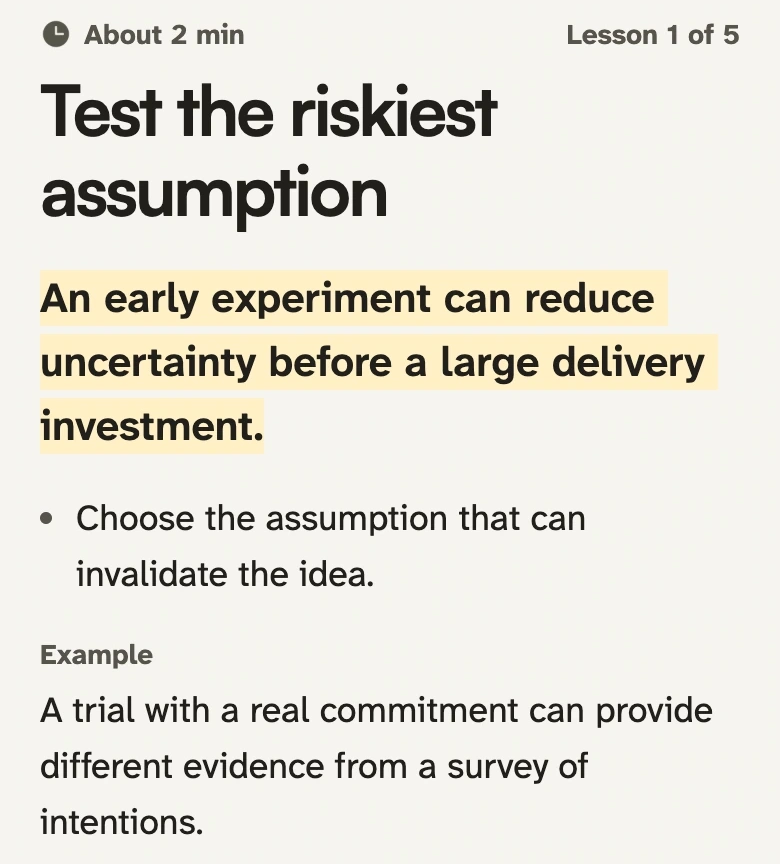
See how to apply the idea.
This Product Manager lesson asks which assumption can cause a product idea to fail.
Full screen showing Lesson (opens in a new tab)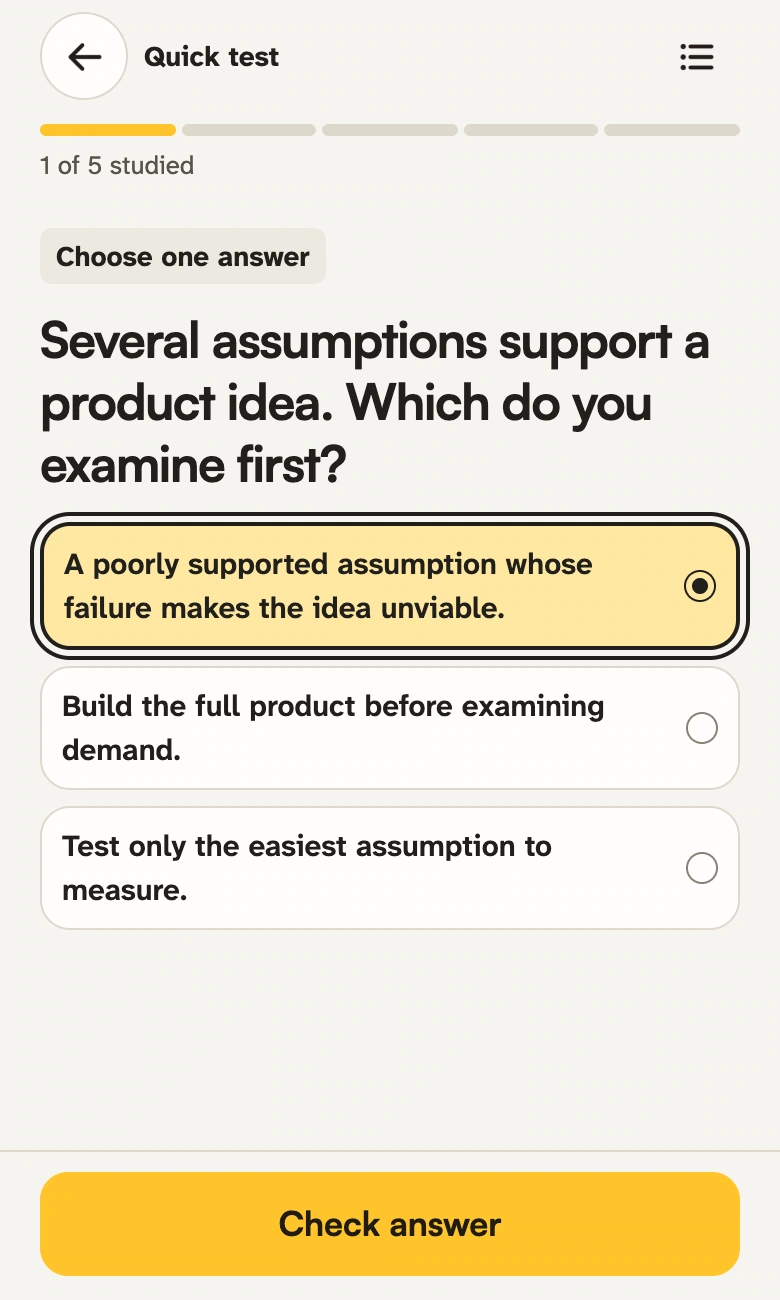
Use the idea in a question.
This question asks which assumption to examine first. Choose an answer before you read the explanation.
Full screen showing Quick test (opens in a new tab)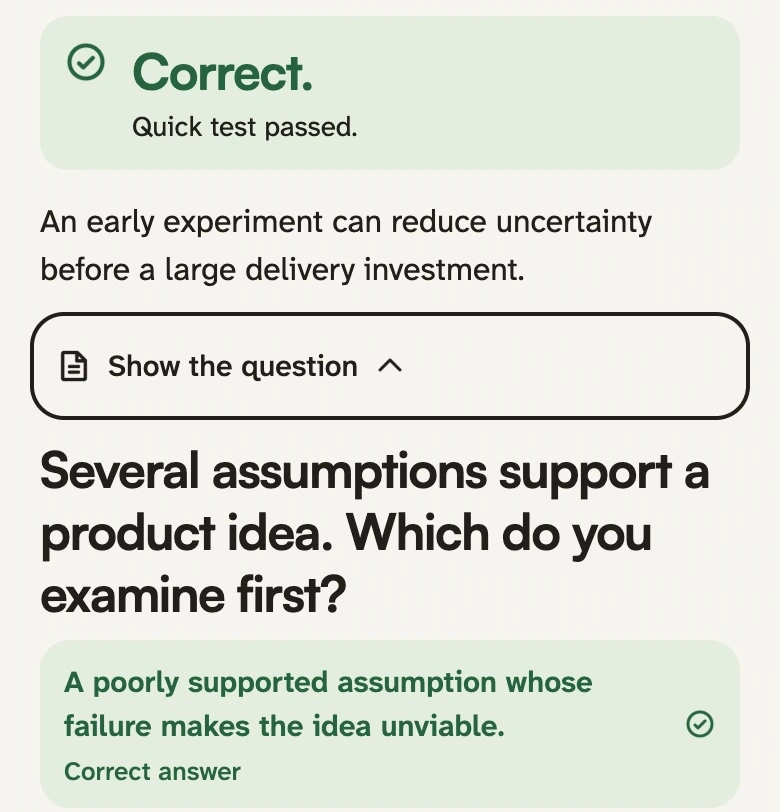
Find out why the answer fits.
A weak assumption can cause the whole idea to fail. The explanation shows why the candidate chose this assumption first.
Full screen showing Result (opens in a new tab)Practice the question. Then try the follow-up.
Type your answer or dictate it on a supported device. You can use a timer. Compare your answer with the reference points from the lesson.

Give a first answer.
The candidate suggests a paid pilot. The answer explains how to find teams that will pay. It does not say when to stop the project.
Full screen showing give a first answer (opens in a new tab)
Use the follow-up to improve it.
The follow-up asks which result will change the decision. On the next try, the candidate can name the minimum number of paid orders needed to continue.
Full screen showing use the follow-up to improve it (opens in a new tab)Open Last Look before the interview.
Save your introduction, a result from your work, and questions for the interviewer. You can also add the interview time and meeting link.
Before the interview, open Last Look for your notes and lesson reminders. Save Last Look on your device if you need it offline.
Can I prepare for more than one interview?
Make a separate plan for each interview. Each plan keeps its lessons and progress. You can return to a plan, archive it, or restore it later.
If you start as a guest, sign in to save your progress to your account. Use Settings to find archived plans.
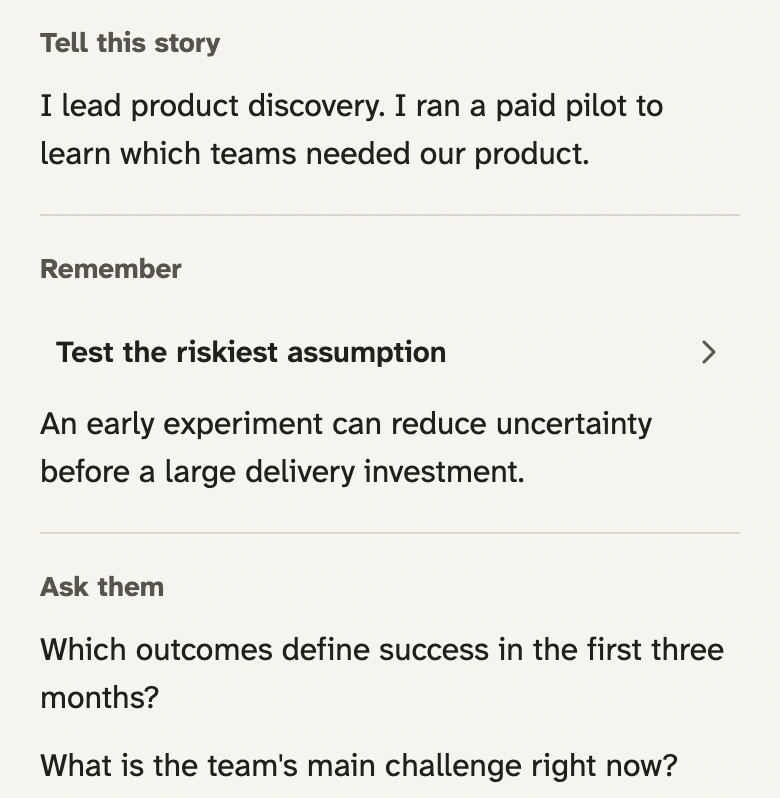
Read your final reminders.
Use your saved introduction and questions to prepare for the conversation.
Full screen showing Last Look (opens in a new tab)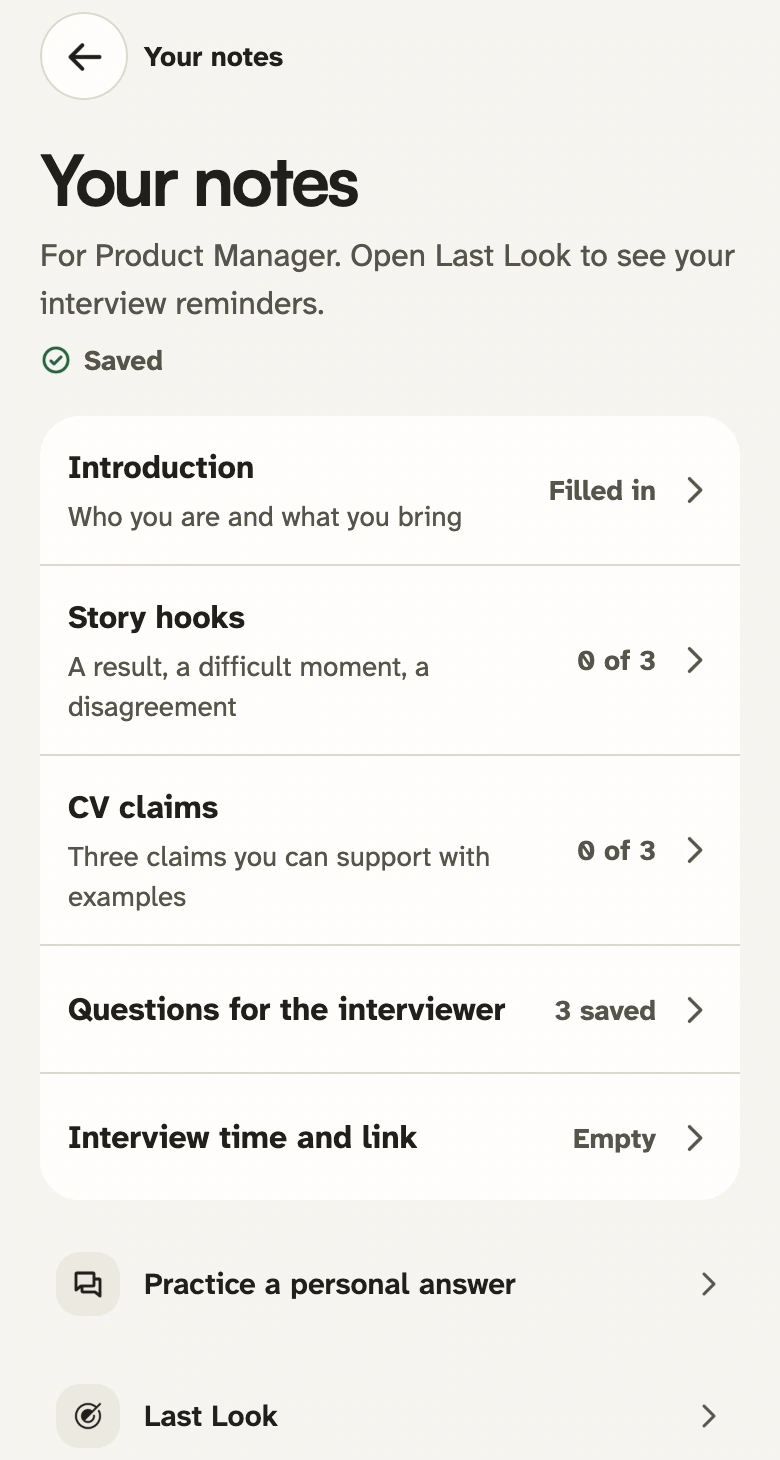
Keep notes for this interview.
Write it yourself or choose up to three facts for an AI draft. You can edit the draft before you save it.
Full screen showing Notes (opens in a new tab)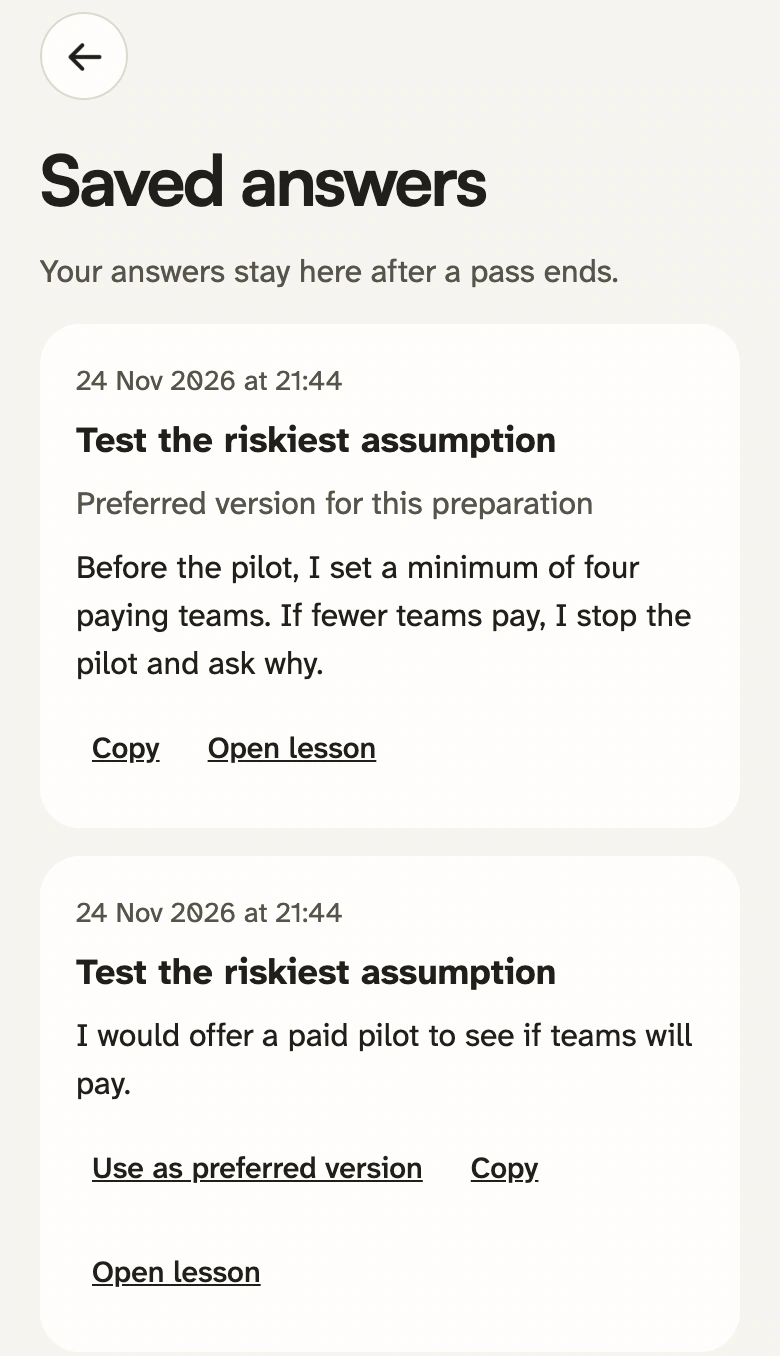
Keep the answer you prefer.
On the second try, the candidate says that four teams must pay for the pilot to continue. Saved answers keeps both versions. You can select the one you prefer.
Full screen showing Saved answers (opens in a new tab)Try a question free.
Choose a pass for more practice.
Your free preview includes a lesson, a quick test, and a practice question with one retry. An Interview Pass opens all catalog roles, lessons, quick tests, and practice questions.
Each pass includes 40 saved AI answer reviews, 10 introduction drafts, and 60 minutes of cloud transcription.
What AI features can I try free?
When the services are available, the free sample includes two AI reviews of the same question, two introduction drafts, and three minutes of cloud transcription.
Try a question free in the web app. No account or card needed.
- App StoreComing soon
- Google PlayComing soon
| Pass duration | One-time price (USD) |
|---|---|
| 48 hours | $4.99 |
| 7 days | $9.99 |
| 1 month | $14.99 |
You pay once. Access starts at purchase and ends automatically. You can still read your saved personal work after the pass ends. Local taxes can vary. 48-hour web refund policy.